License & Activation
Finding Your License Key
After purchasing Query Logik, your license key is available in a few places. Here's exactly where to look.
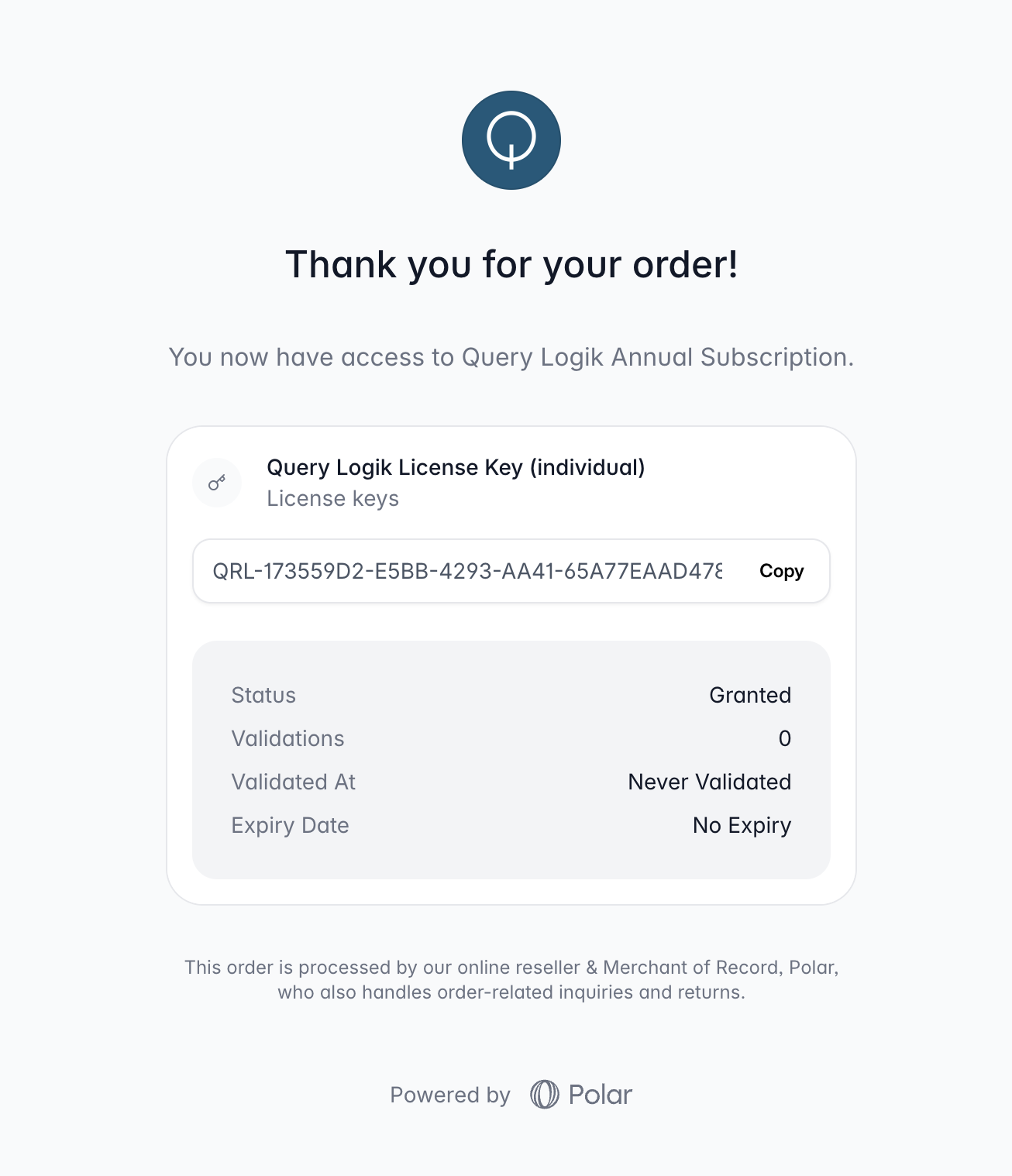
On the purchase confirmation page
The moment your payment is processed, you're taken to a confirmation page powered by Polar. Your license key is shown there immediately — copy it before you close the tab.
In your purchase receipt email
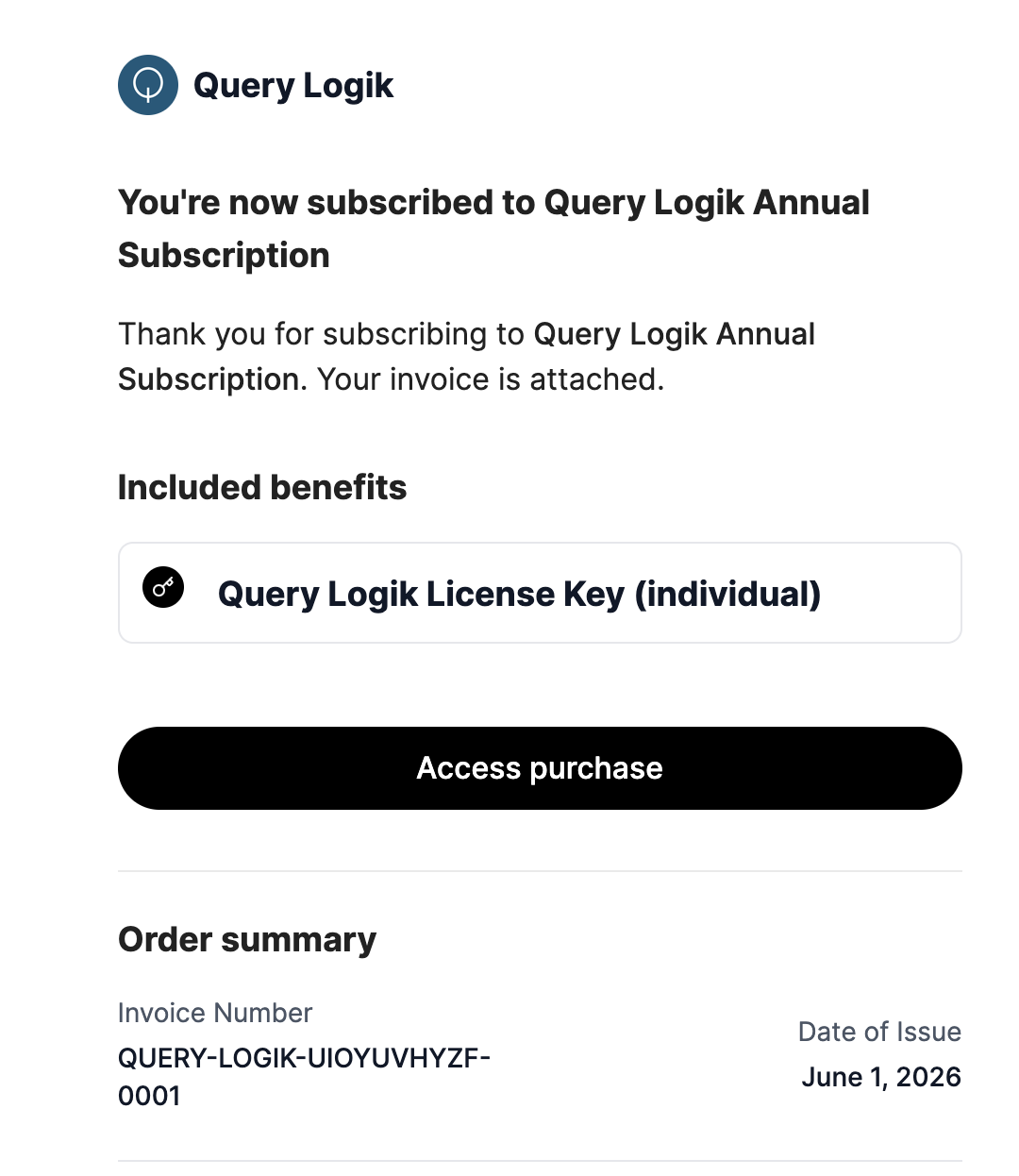
Polar sends a receipt to your email address right after purchase. Click the Access purchase button in that email and it will take you directly to your portal, where your license key is waiting.
Through the Polar billing portal
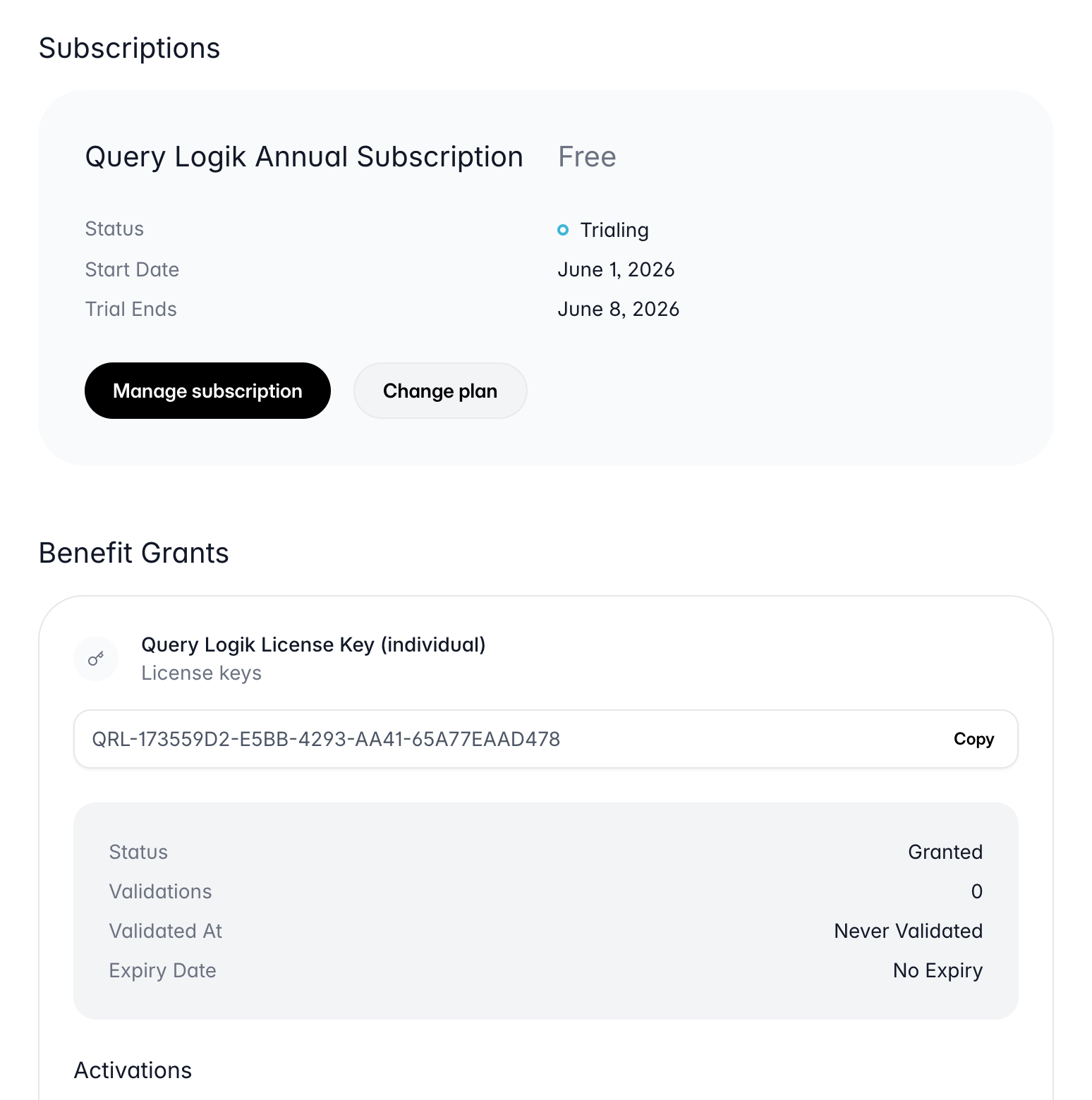
You can always retrieve your license key from the Polar customer portal. Click Manage Billing in the footer of our site, or go directly to the portal below.
Still can't find your key?
Check your spam folder for the Polar receipt email, or reach out and we'll help you track it down.
contact@querylogik.com